
All supported work
Review duty time across flight and supported non-flight activities without confusing it with flight-specific metrics.
Roster workspace
Bring supported roster sources into one calendar that preserves flight, standby, leave, off day and ground-duty context across every connected Crew Prime view.
Roster sources
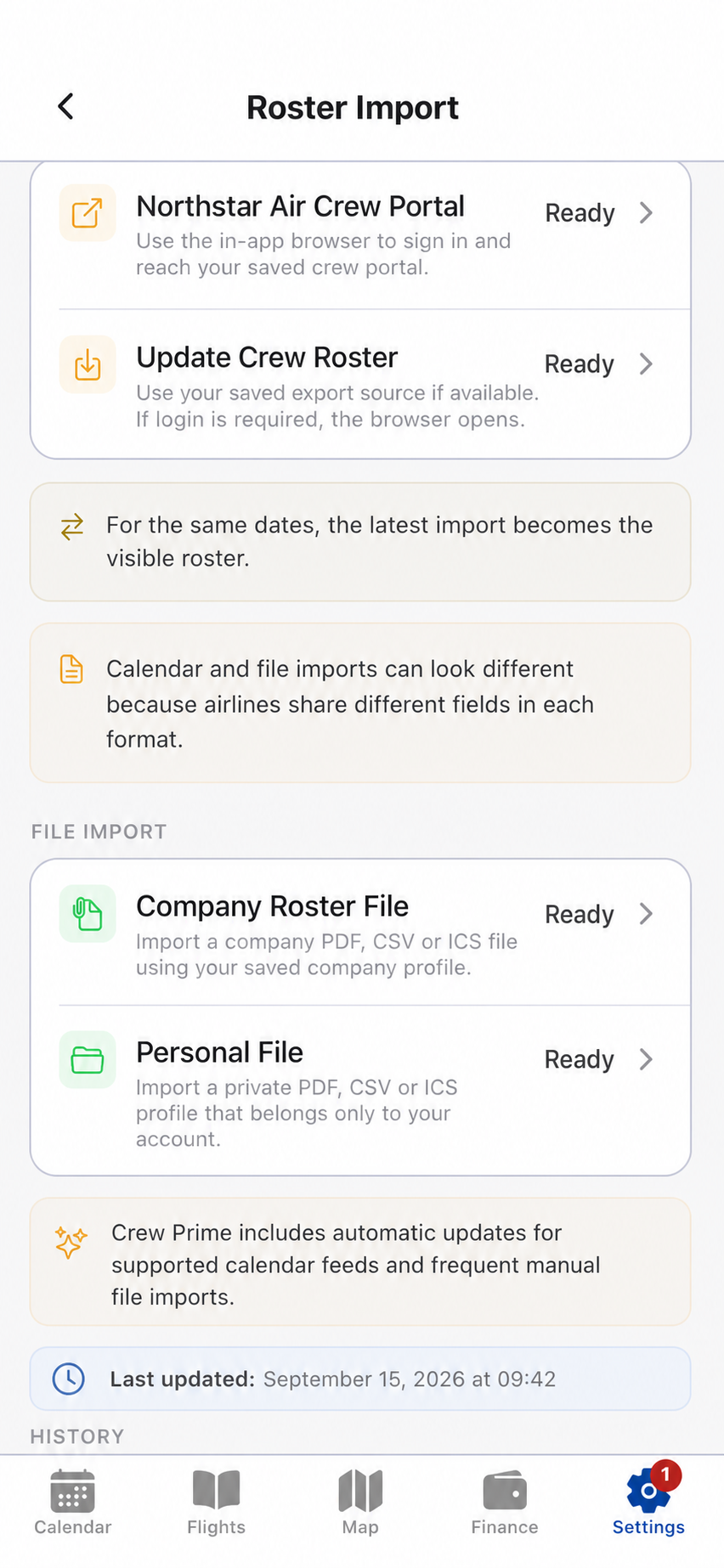
Roster detail varies by company. Crew Prime structures available fields and keeps clear fallbacks when a source provides less information.
01 / Import
Use a guided crew-portal workflow, connect a compatible ICS feed or import a supported company or personal file. Only one source is selected for an import action, so the resulting roster remains understandable.
02 / Calendar
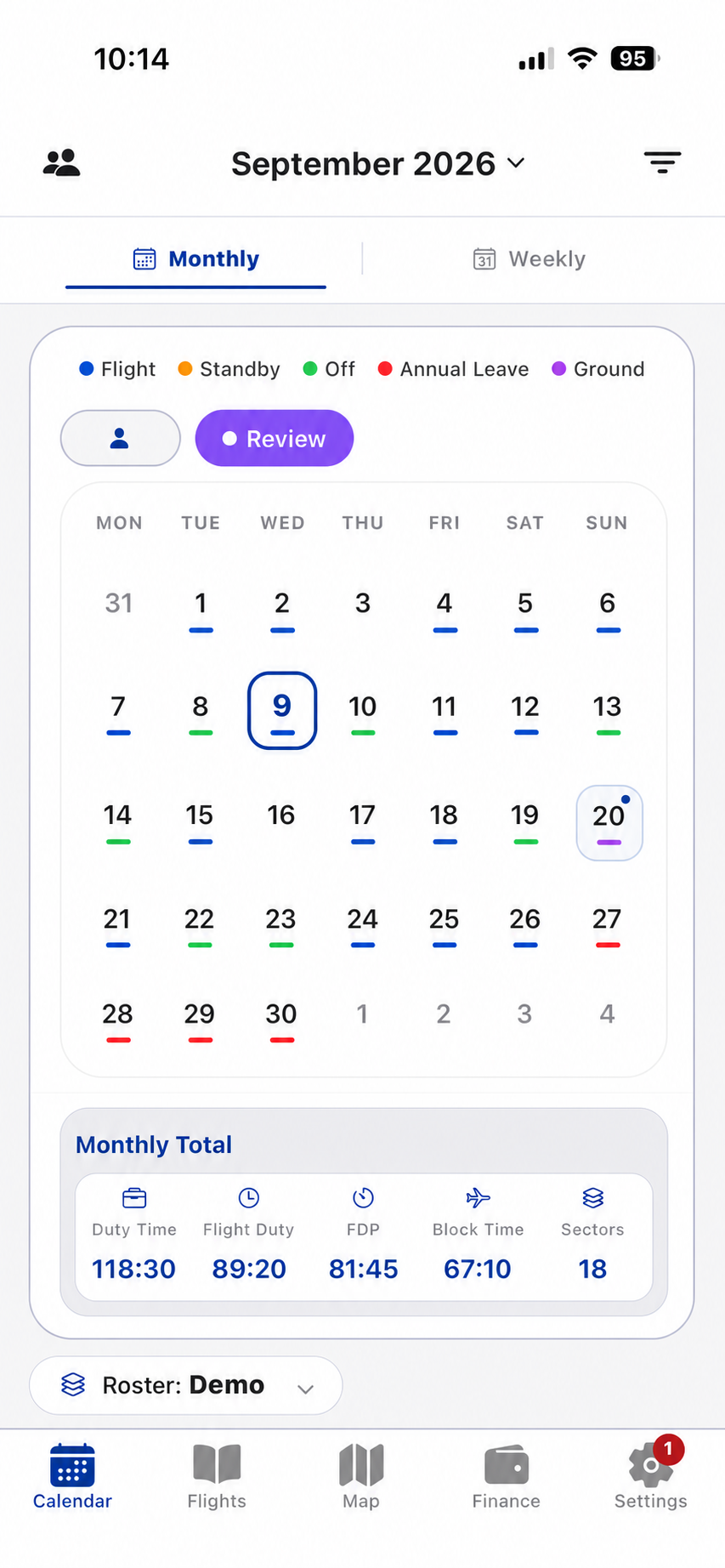
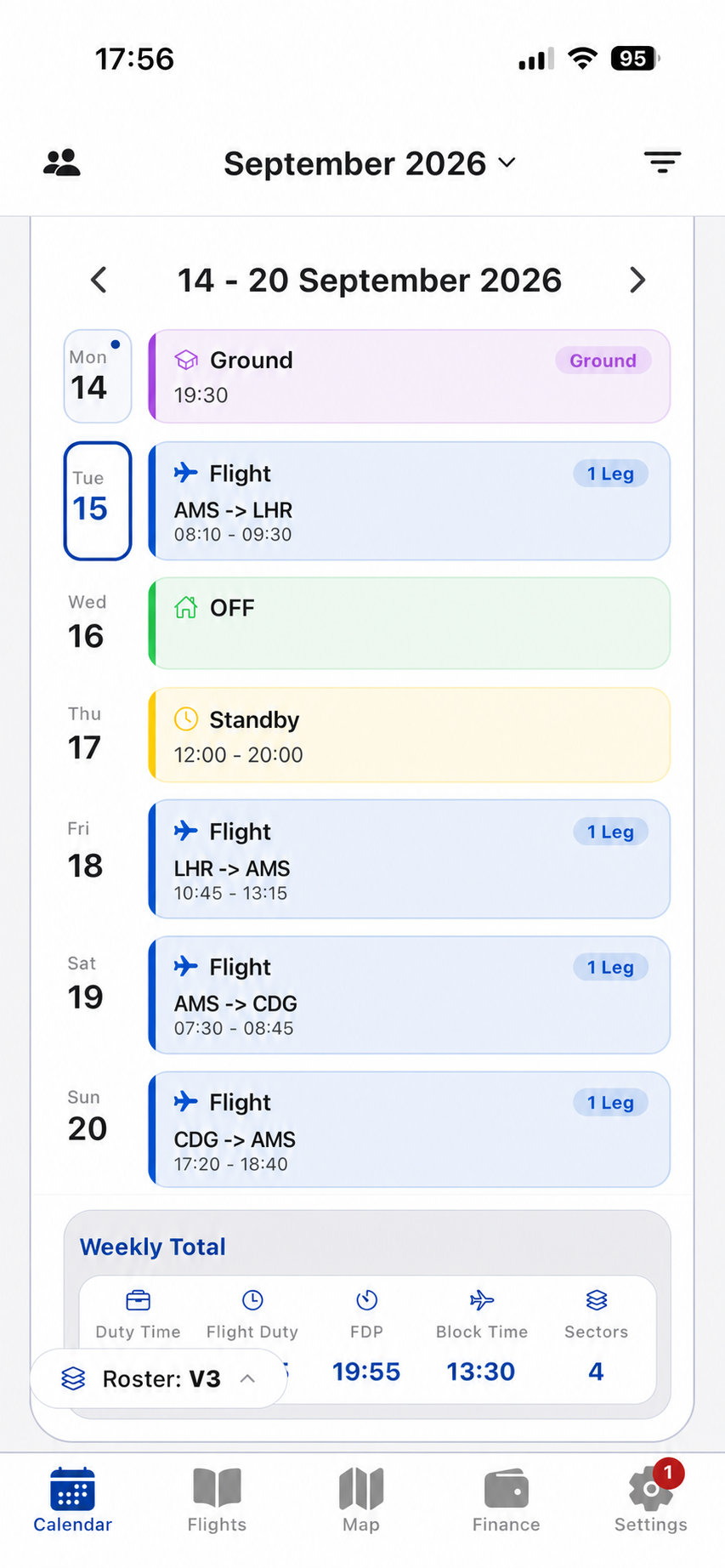
Use the monthly view to scan work patterns and the weekly view to follow connected sectors and duties. Flights, standby, leave, off days and supported ground activities retain their own classification.
Period intelligence
Totals use the same classified duties that drive the calendar. A selected period can be reviewed as one combined result and as the days, months or years that compose it.
03 / Select
Select a day, month or year and apply it immediately, or collect several periods for a combined review. The result keeps both the total and the contribution of each selected period visible.
Select day
Selection (2)
Review duty time across flight and supported non-flight activities without confusing it with flight-specific metrics.
Keep Flight Duty Period and total flight-duty values visible as separate aviation concepts.
Track block-time totals and sector count across month, week or a custom selected period.
Inspect the components behind the combined total instead of losing context in one aggregate number.
Review imported versions and their visible period deltas before choosing which roster to display.
Correct actual flight records in the connected Flights view while the roster baseline remains identifiable.
Connect calendar, flight detail, map and income context in Crew Prime.