
Data controls
Backup and restore on your terms
Crew Prime separates local use, device export and cloud recovery so moving data is a visible action rather than an invisible background process.
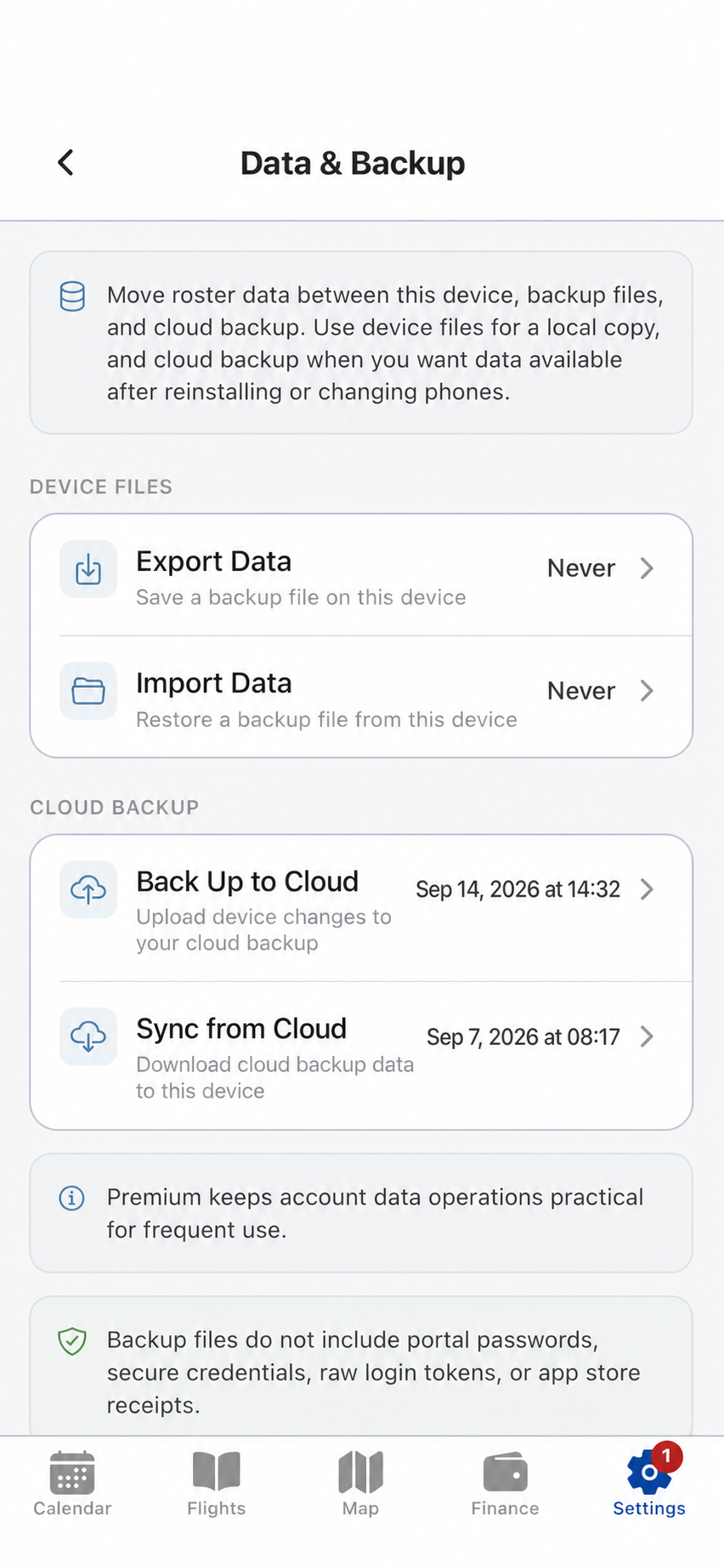
Choose the operation
Local transfer and cloud recovery are distinct
Each workflow has a clear purpose and requires a user action.
01 / Move data
Export, backup and restore.
Export or import a device backup when you need a local copy. Use explicit cloud backup and cloud restore actions when records must remain available after reinstalling the app or changing devices.
- Local device export and import
- User-triggered cloud backup
- User-triggered cloud restore
- Portal passwords, secure credentials and store receipts are excluded from backup files
Offline operation
Your stored records do not depend on a permanent connection.
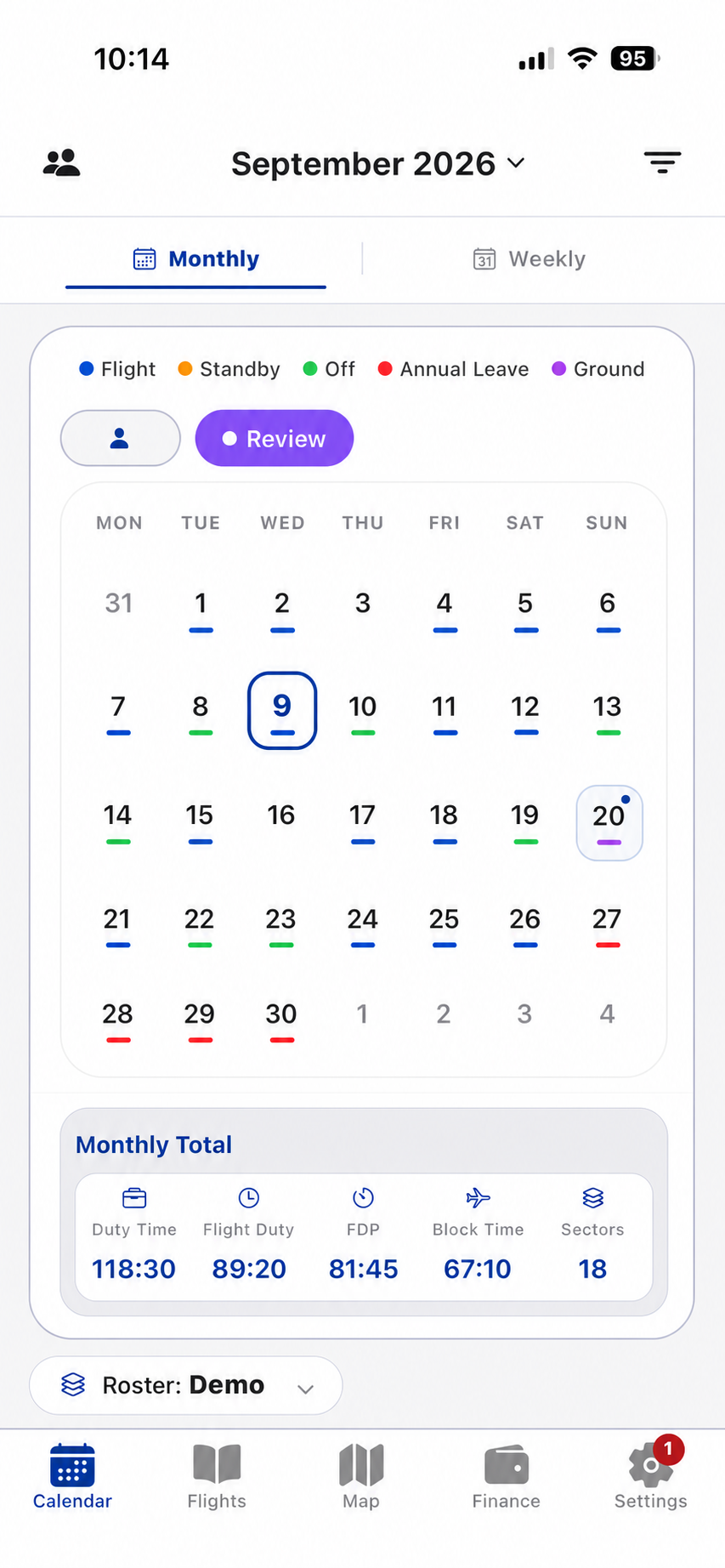
Calendar, flight, map and finance information already stored on the device remains available for workflows that do not require a network connection.
- Imports and cloud operations require connectivity
- Existing local records remain accessible offline
- App Store subscriptions are restored through the Apple account
Keep your operational record portable
Use local export or account cloud recovery when the situation requires it.